In this article
Want to watch live cricket and football on a bigger screen? Sportzfy for PC is one of the most searched ways to do it. The app is made for Android, but with the right setup it runs smoothly on a Windows laptop or desktop. This guide shows you exactly what you need, which emulator to choose, and how to install Sportzfy on PC step by step.
Quick answer: There is no official Sportzfy app for Windows. To use it on a PC or laptop, install a free Android emulator such as BlueStacks or LDPlayer, then install the Sportzfy APK inside it. The whole process takes about 10 minutes.
Can You Download Sportzfy for PC?
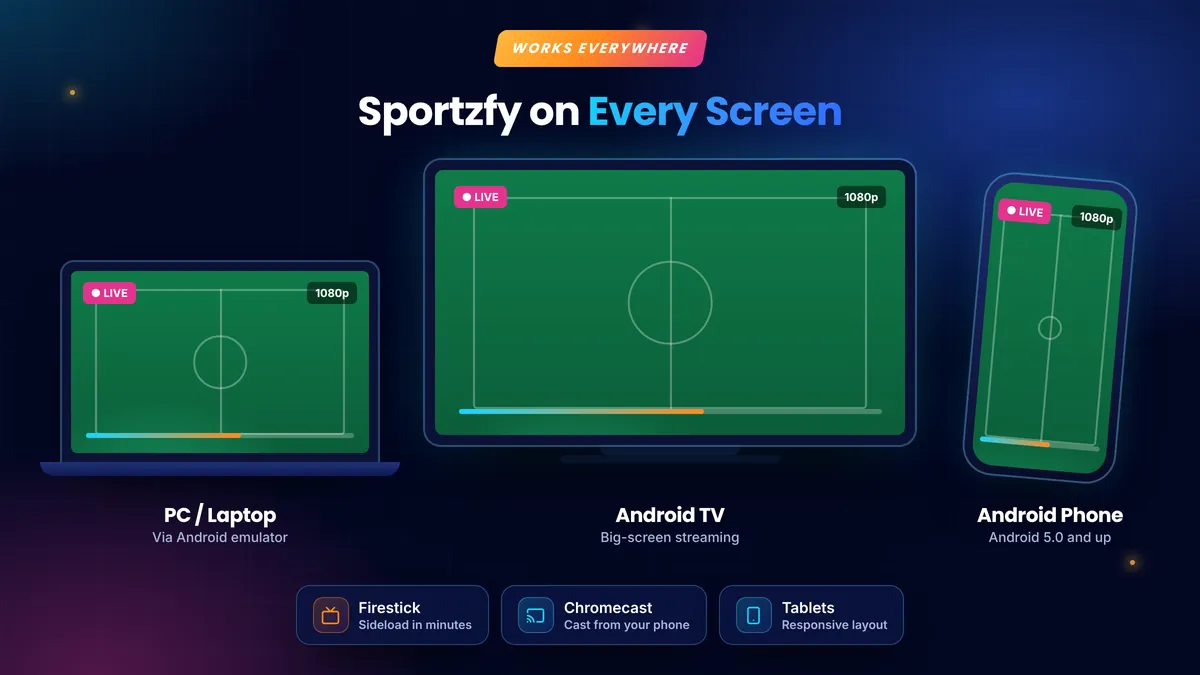
Not as a normal Windows program. Sportzfy is released as an Android APK file, and Windows cannot open APK files on its own. An Android emulator solves this problem. It creates a virtual Android phone inside Windows, so you can install the Sportzfy APK and use it just like on a mobile, only on a larger screen.
Be careful with websites that offer a "Sportzfy.exe" or "Sportzfy for Windows setup". The developers have never released a Windows installer, so these files are fake and can carry malware.
What You Need Before You Start
Windows 10 or 11A 64-bit version of Windows works best with modern emulators.
4 GB RAM or more8 GB RAM gives much smoother HD streaming.
5 GB free spaceFor the emulator, the APK and app cache.
Stable internetAround 10 Mbps or faster for 1080p streams.
Best Android Emulators for Sportzfy on PC
All of the emulators below are free. Download them only from their official websites.
| Emulator | Best for | Notes |
|---|---|---|
| BlueStacks 5 | Most users | Easy setup, drag-and-drop APK install, good video playback |
| LDPlayer 9 | Low-end laptops | Lightweight and quick to start |
| MEmu Play | Older PCs | Runs well on systems with less RAM |
| NoxPlayer | Custom controls | Lets you choose the Android version |
How to Install Sportzfy on PC or Laptop (BlueStacks)
Step 1: Install BlueStacks
Go to the official BlueStacks website, download the installer for Windows and run it. Wait until the emulator finishes setting up and opens its home screen.
Step 2: Download the Sportzfy APK
Open your normal browser on Windows and download the latest Sportzfy APK (v32.0) from our download page. The file is about 15 MB.
Step 3: Install the APK
Drag the APK file from your Downloads folder and drop it on the BlueStacks window. You can also click the "Install APK" icon in the side toolbar and select the file.
Step 4: Open Sportzfy
When the installation finishes, the Sportzfy icon appears on the BlueStacks home screen. Click it to launch the app.
Step 5: Pick a match and server
Choose a sport, open a live match and select a server. If one server is slow, go back and try another one.
Step 6: Go full screen
Press F11 or use the full-screen button in BlueStacks to enjoy the stream on your whole screen.
Alternative Method: Install Sportzfy with LDPlayer
If your laptop has 4 GB RAM or an older processor, LDPlayer is often faster. Install LDPlayer from its official site, open it, then drag the Sportzfy APK into the LDPlayer window. The app installs in a few seconds and appears on the emulator home screen.
Tips for Smooth Streaming on PC
- Turn on virtualization (Intel VT-x or AMD-V) in your BIOS. Emulators run much faster with it.
- In the emulator settings, give it at least 2 CPU cores and 3 to 4 GB of RAM.
- Use a wired Ethernet connection or sit close to your Wi-Fi router during big matches.
- Close heavy programs such as games and video editors while you stream.
- Keep both the emulator and Sportzfy updated to the latest version.
Can You Use Sportzfy on a Mac?
A Mac cannot install APK files directly either. BlueStacks offers a Mac version for Apple silicon Macs, and some other emulators also support macOS, but results vary by model. Remember that iPhones and iPads cannot run Sportzfy at all. Read our guide on Sportzfy for iPhone and iOS to learn why.
Common Problems on PC and How to Fix Them
Problem: Emulator is slow
Solution- Enable virtualization in BIOS.
- Lower the emulator resolution to 1280x720.
Problem: APK will not install
Solution- Download the APK again, the file may be incomplete.
- Use the "Install APK" button instead of drag and drop.
Problem: Black screen in the player
Solution- Switch the graphics renderer in emulator settings (DirectX or OpenGL).
- Try a different server for the same match.
Problem: No sound
Solution- Check the emulator volume and Windows sound output.
- Restart the emulator after changing audio devices.
Ready to watch on the big screen?Download Sportzfy APK v32.0 and install it in your emulator.
Download APKFAQs About Sportzfy for PC
Is there an official Sportzfy app for Windows?
No. Sportzfy is only released as an Android APK. You need an Android emulator to use it on a Windows PC or laptop.
Which emulator is best for Sportzfy on PC?
BlueStacks 5 is the easiest for most users. LDPlayer is a good choice for laptops with 4 GB RAM or older processors.
Can I use Sportzfy on a laptop without an emulator?
No. Windows cannot open APK files directly, and any "Sportzfy.exe" file you find online is not official.
Is Sportzfy free on PC?
Yes. Sportzfy is free, and the emulators listed in this guide are also free to download.
Why does Sportzfy buffer on my PC?
Buffering usually comes from a slow connection, a busy server or low emulator resources. Try another server, use Ethernet and give the emulator more RAM.
Conclusion
Getting Sportzfy for PC is simple once you know the trick: install a trusted Android emulator, add the Sportzfy APK and start watching. BlueStacks is the best all-round option, while LDPlayer suits low-end laptops. Always download the APK from a trusted source like our homepage and keep it updated for the best streaming experience.
Sportzfy APK — latest versionFree live sports & TV streaming app for Android, TV and PC.
Download APK