In this article
Cricket is the number one reason people install Sportzfy. From IPL nights to India vs Pakistan clashes and long Test matches, fans want a simple way to follow the action. This guide shows you how to watch Sportzfy live cricket step by step, how to choose the best server, which internet speed you need for HD, and what to do when a live match does not load.
Quick answer: Open Sportzfy, tap the Cricket category, select the live match and choose a server. If the stream is slow, go back and pick another server or a lower quality.
Can You Watch Live Cricket on Sportzfy?
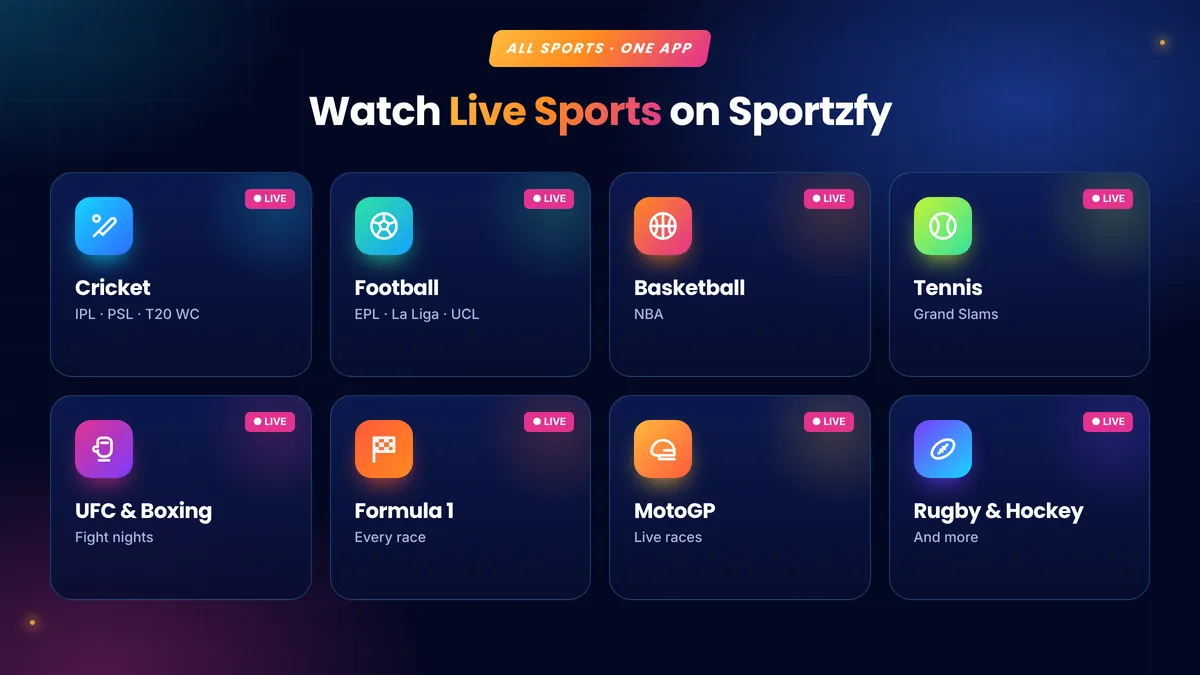
Yes. Sportzfy lists live cricket from many countries and competitions in one place. Which matches appear depends on the season and on what streams are available at that moment, but the app usually covers the biggest events:
Cricket on Sportzfy
Popular tournaments and series you can follow when they are live.
- IPL
- PSL
- T20 World Cup
- ICC Cricket World Cup
- Asia Cup
- Big Bash League
- Test series
- ODI series
- T20I series
How to Watch a Live Cricket Match on Sportzfy
Step 1: Install or update the app
Get the latest Sportzfy APK v32.0. Old versions often show empty match lists.
Step 2: Open the Cricket category
On the home screen tap Cricket or the live events section to see today's matches.
Step 3: Pick the live match
Live matches are usually marked with a "Live" label. Tap the one you want to watch.
Step 4: Choose a server
Select a server from the list. Start with an HD option if your internet is fast, or an SD option on mobile data.
Step 5: Go full screen
Rotate your phone or tap the full-screen icon. Use the player controls to adjust brightness and volume.
How to Choose the Best Server
Each live match can have several servers. They are different sources of the same broadcast, so quality, delay and commentary language can change from one server to another.
- Try the first two or three servers and keep the one that starts fastest.
- If the picture freezes every few seconds, switch to a lower-quality server.
- Some servers carry a different commentary language. Switch servers if you prefer Hindi, Urdu or English.
- During very big matches, the most popular server can slow down. A less popular server is often smoother.
Internet Speed You Need for Live Cricket
| Quality | Recommended speed | Data per hour (approx.) |
|---|---|---|
| SD (480p) | 3 Mbps | 0.7 GB |
| HD (720p) | 5 Mbps | 1.5 GB |
| Full HD (1080p) | 8 to 10 Mbps | 3 GB |
Data tip: A full T20 match lasts more than three hours. If you are on mobile data, choose SD quality to avoid using your whole package in one match.
Watch Cricket on TV or Laptop
Big matches look better on a big screen. Install Sportzfy on your Firestick or Android TV with our Sportzfy TV guide, or watch on a Windows laptop using our Sportzfy for PC steps.
When Do Live Cricket Streams Appear?
Live links usually appear shortly before the toss or the first ball. If you open the app too early, the match may not be listed yet. Check the schedule or live score section in the app, then come back a few minutes before start time. For long Test matches, streams are normally added for each day's play.
Live Cricket Problems and Fixes
Problem: Match is not listed
Solution- Refresh the home screen a few minutes before start time.
- Update Sportzfy to the latest version.
Problem: Stream lags in big matches
Solution- Switch to a less busy server.
- Lower the quality to 720p or SD.
Problem: Audio out of sync
Solution- Pause for two seconds, then play again.
- Try another server for the same match.
Problem: "Stream not available"
Solution- The source may be offline. Try another server.
- Clear the app cache and reopen Sportzfy.
Broadcast rights for cricket differ by country. If an official broadcaster streams the match in your region, it is always the most reliable and legal option.
Never miss a ballGet the latest Sportzfy APK and follow every live cricket match.
Download APKFAQs About Sportzfy Live Cricket
Can I watch IPL and PSL on Sportzfy?
Sportzfy usually lists IPL and PSL matches during their seasons, but available matches depend on the streams online at the time.
Why is the live cricket match not showing in Sportzfy?
Streams are usually added shortly before the match starts. Refresh the app close to start time and make sure you have the latest version.
How can I watch Sportzfy live cricket in HD?
Choose an HD server and use a connection of at least 5 Mbps for 720p or 8 to 10 Mbps for 1080p.
Does Sportzfy show live scores?
Yes, the app includes match schedules and live score updates along with live streams.
Is Sportzfy live cricket free?
Yes. Sportzfy is free to use and does not require a subscription or sign-up.
Conclusion
Watching live cricket on Sportzfy takes only a few taps: open the Cricket category, pick the live match and choose the server that runs best on your connection. Keep the app updated, use HD only when your internet allows it, and switch servers during busy matches. Download the latest version from the Sportzfy APK homepage before the next big game.
Sportzfy APK — latest versionFree live sports & TV streaming app for Android, TV and PC.
Download APK